Posts

um, so...

probably won't be uploading the blog anymore :( you know, as life happens... bye.

Prefinal 1 CSS (Computer Security?)

What are the different types of attacks possible on a computer system(?) Define DES and draw related appropriate(?) diagram. Differentiate between encryption and decryption (something). Differentiate between public key and private key technologies(?) techniques (?) Define stegnography and describe stegnographic techniques(?)

Prefinal 1 Distributed Computing

Describe distributed computing/processing. Describe distributed data and the different categories of data diatribe. Differentiate between centralisation and decentralisation. Describe types of distributed systems. Describe private and public networks.

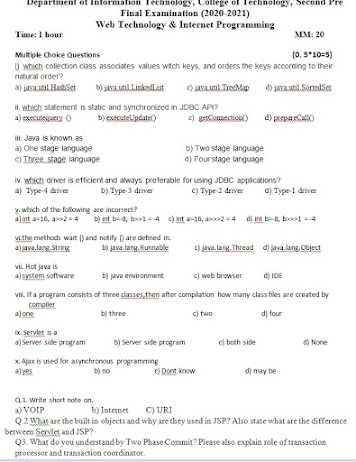
Final Examination [Semester 6th]

Image
  WIT Practical Final DA MTIT CN WIT IPR

Examination Papers Year III

Image
 

TIT-353 Design and Analysis of Algorithms Prefinal 2

Image
 

Working with Md

Image
  Learn More on GitHub Lab .

Java 2

Image
 

Java 1

Image
 

Abstraction in Java

Image
 

E Comm Something

Image
 

E-Comm. L2

Image
 

DAA L1

Image
 

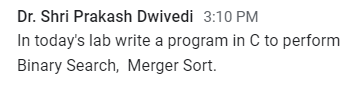
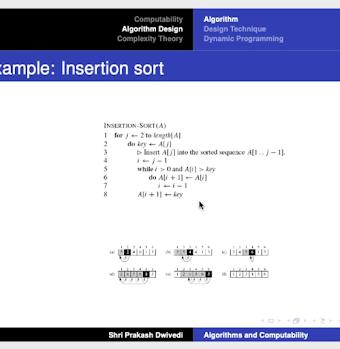
Insertion Sort and ...

Image
  Source: Subject Teacher. See image.

E-Commerce HW (20-10-2020)

Image
 

Awesome Resources for B.Tech Sophomores

 If you are looking for resources for B.Tech freshers, refer here . Here are some YouTube channels that are one-stop solution for all your learning passing/excelling-all-the-courses needs. The links for which are as follows: Gate Smashers Neso Academy Ravindrababu Ravula : Doesn't contain everything. These are probably all-the-ones-that are one-stop-kind-of-solutions, that I knew, yet. If you happen to know some more, share them with others through the comments. Engage in a healthy discussion!

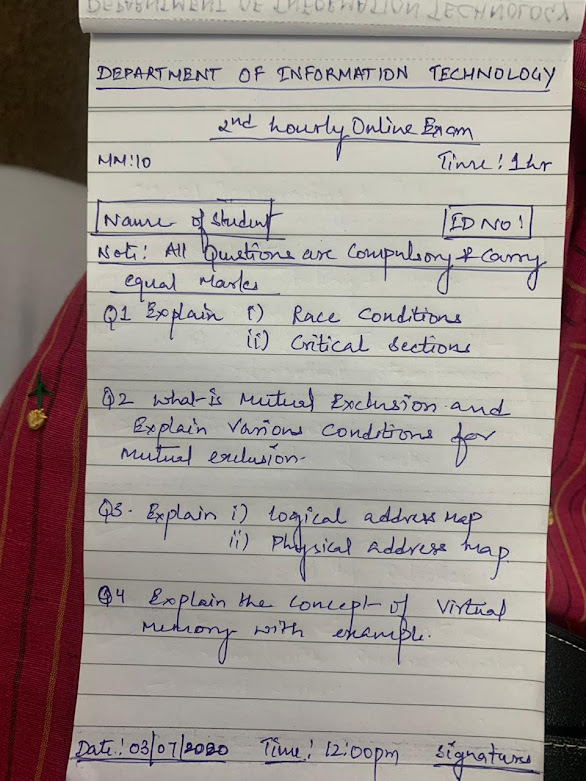
Operating Systems Prefinal 2

Image

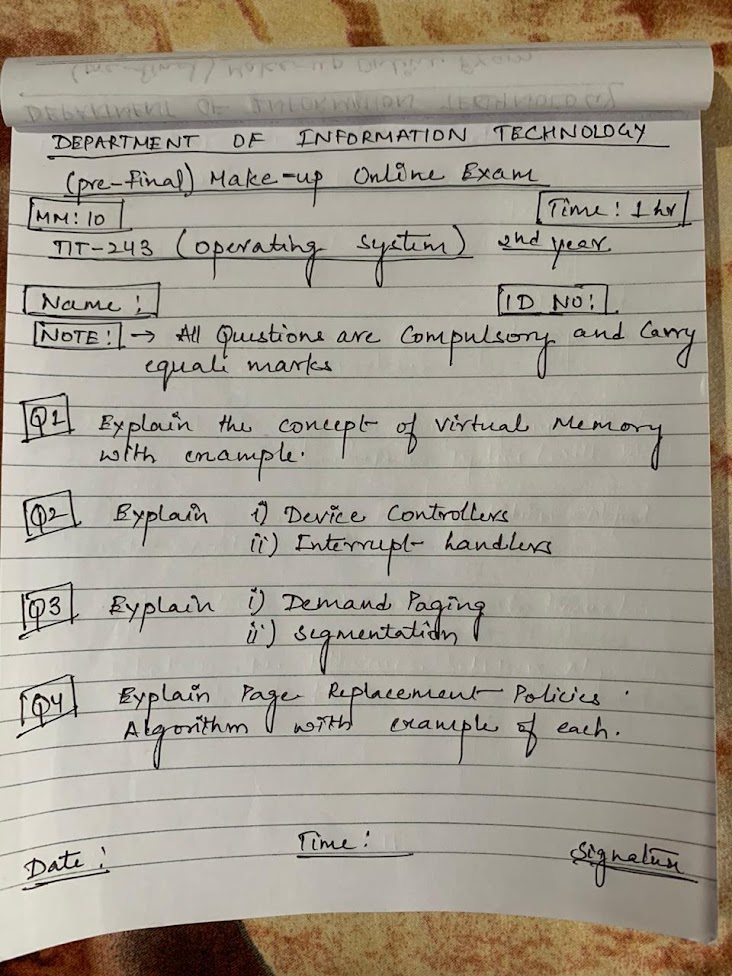
Operating Systems Prefinal 2 Makeup Examination

Image

Building your Resume

Image
Making your Resume for the first time might be a daunting experience. An easier way is to make use of already available templates. However, the websites offering this service, ask you to pay for exporting your resume in the desired format. But do you know, LinkedIn allows you to build you a resume (an makeshift one) by using the information that you have provided on LinkedIn? If not, let us see, HOW.  *This method works only on desktop version of LinkedIn.* Therefore you will need to use a computer to follow along. Before following this method, **make sure that your LinkedIn profile is complete** i.e. the details present on your LinkedIn profile are up to do. Step 1 : Visit LinkedIn.com . Step 2 : First click on your profile picture and then on View Profile . Step 3 : Click More. Step 4 : Click Save to PDF . You can click on Build a resume too, which would require some further steps. Whatever you choose, results are "almost" the same. Try doing yourself. Done. Your resume wou...

Some Interesting Ones

Image
The 001s are simpler even than 101s. Colab Hacks Using Google Colab (Colab 001) GitHub for Beginners (GitHub 001) Running Java programs on Android